
Authenticating
Authentication is a process to continue taking part in the Humanode consensus protocol. The protocol requires periodically to pass biometric verification to check liveness behind the address. In case your node goes offline for more than 1 epoch, you should make authentication as well.
How to do it
Section titled “How to do it”Your node should be already running, synced with the network and the Enrolling is done.
Scan the QR code and open the web app on your phone.
The QR code should appear on the dashboard.
See the humanode-peer bioauth authurl --help and use that command with proper flags. Don’t forget to set the --chain option properly.
As a result, you should be able to see the following web page on your phone.
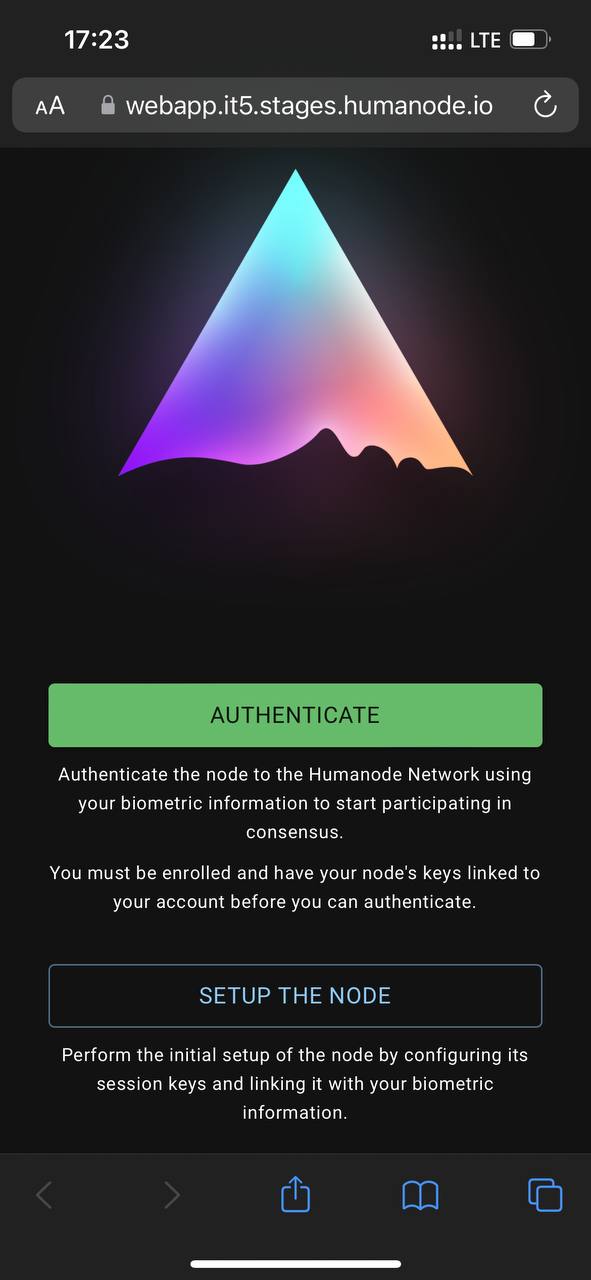
Click on AUTHENTICATE tab.
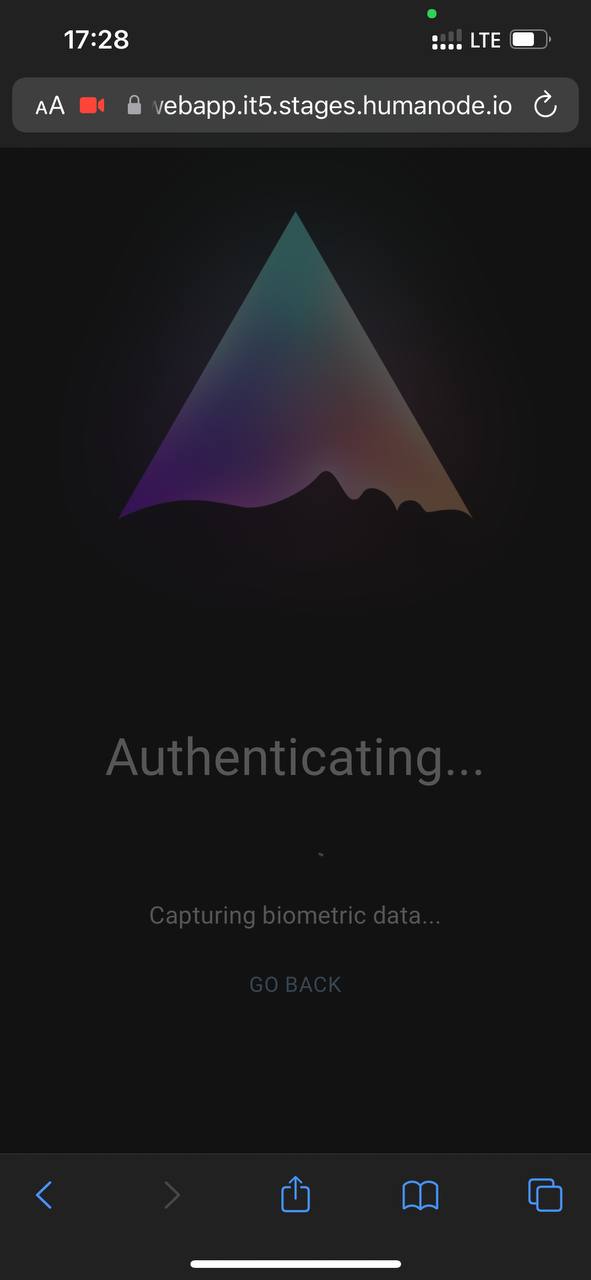
Then you will be prompted to pass the biometric verification.

To pass the biometric verification make sure that there is enough light and the picture is clear. Click on I’M READY and pass the verification.
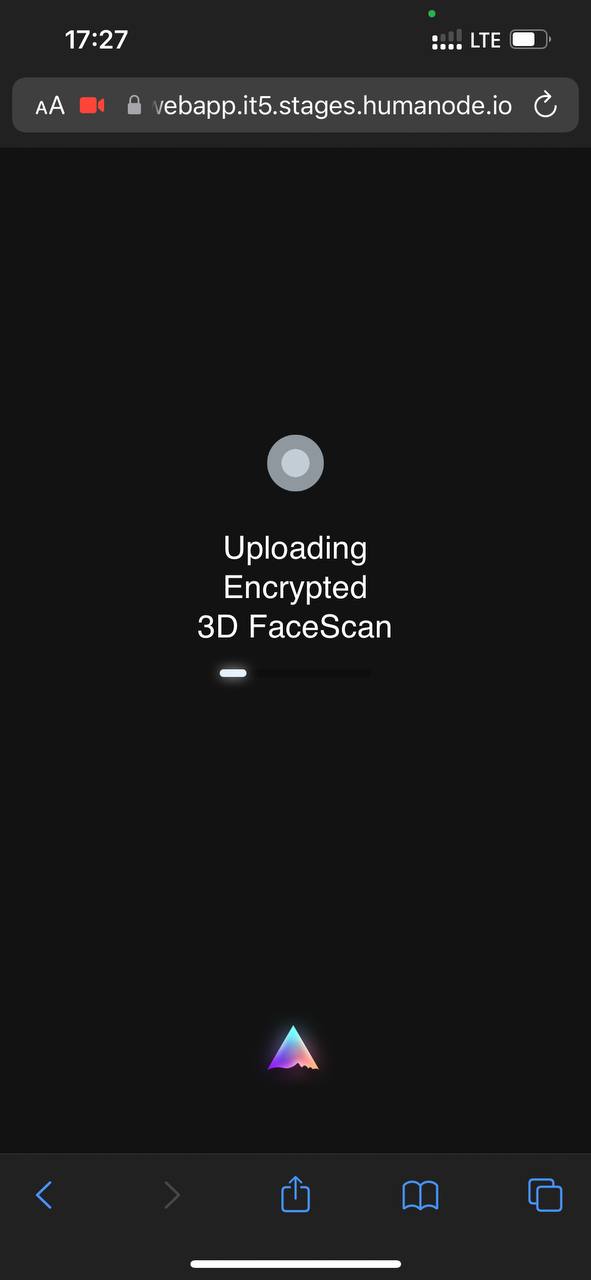
Finally, if everything is ok you will get
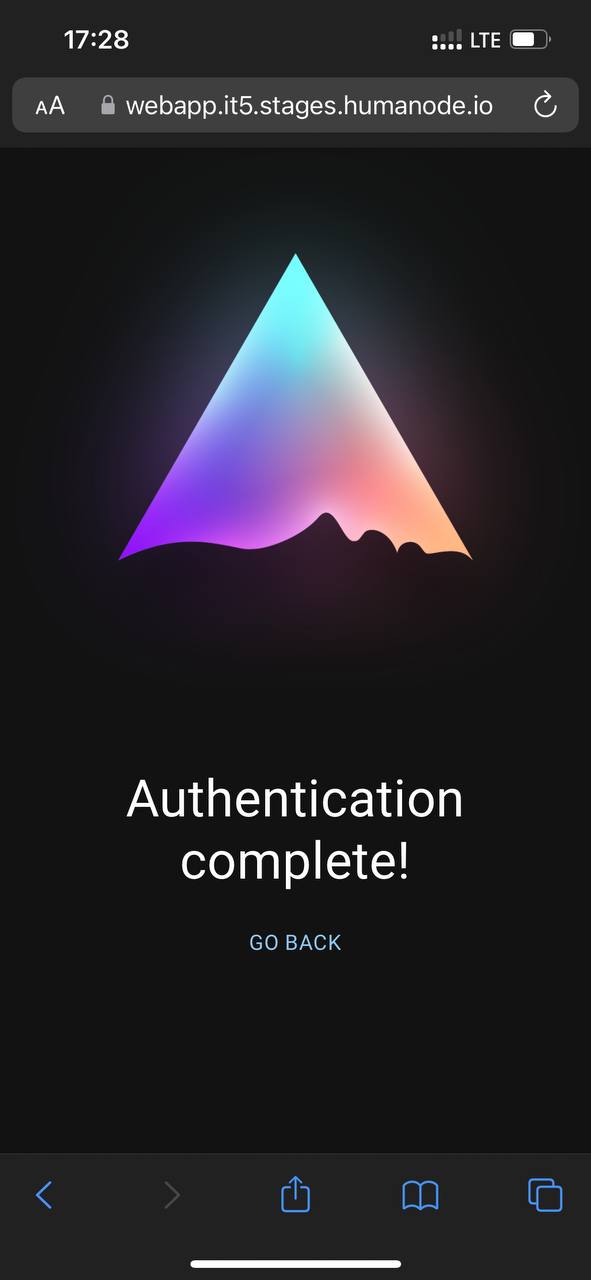
In case having errors, please check the troubleshooting page.