
Enrolling
Enrolling is a process to register your biometric fingerprint with the corresping address that is going to represent the address as an eligible participant in the Humanode consensus protocol. The consensus doesn’t allow an address to be in the validators list for blocks production and validation if the address isn’t related to a human that has passed biometric verification.
How to do it
Section titled “How to do it”Your node should be already running and synced with the network. You session keys are already rotated.
Make sure that your expected private key that is going to repesent you in the network is imported into keystore.
Check the Node Configuration section of the launcher configuration
Check the Running the node section of manual installation.
Scan the QR code and open the web app on your phone.
The QR code should appear on the dashboard.
See the humanode-peer bioauth authurl --help and use that command with proper flags. Don’t forget to set the --chain option properly.
As a result, you should be able to see the following web page on your phone.
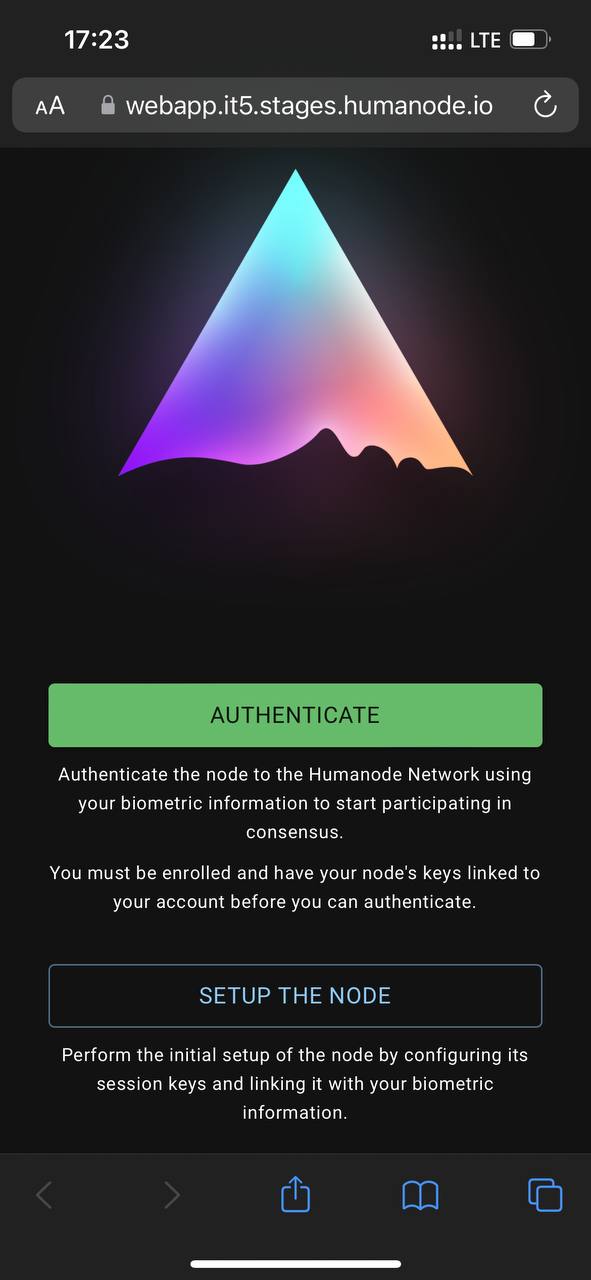
Click on SETUP THE NODE.
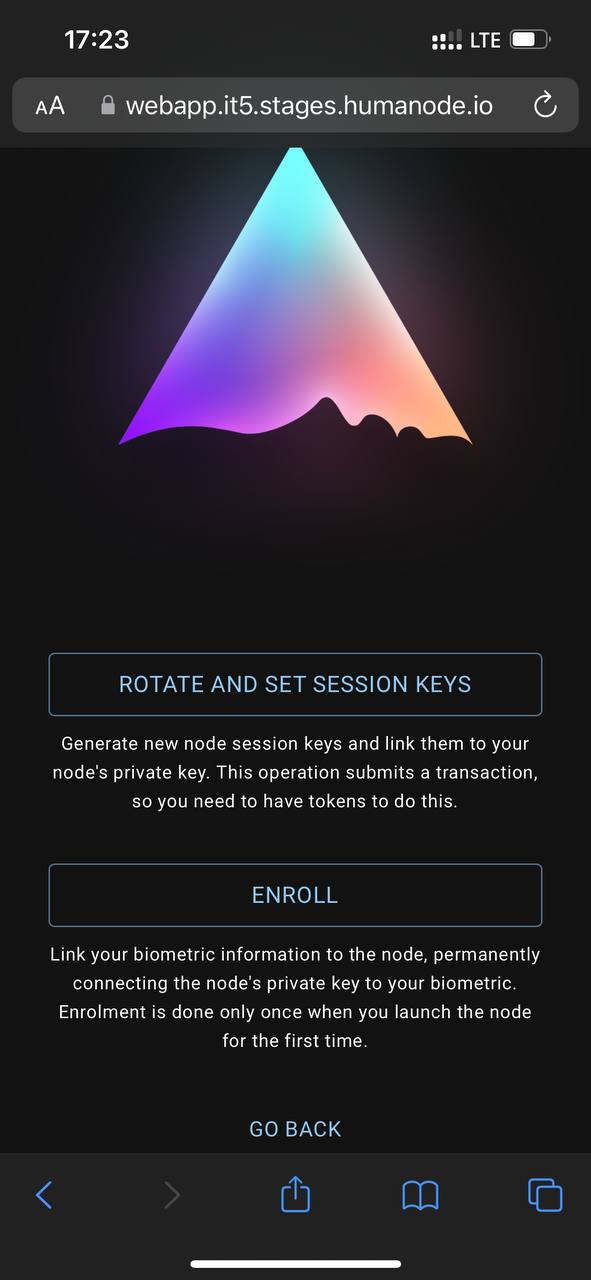
Click on ENROLL.
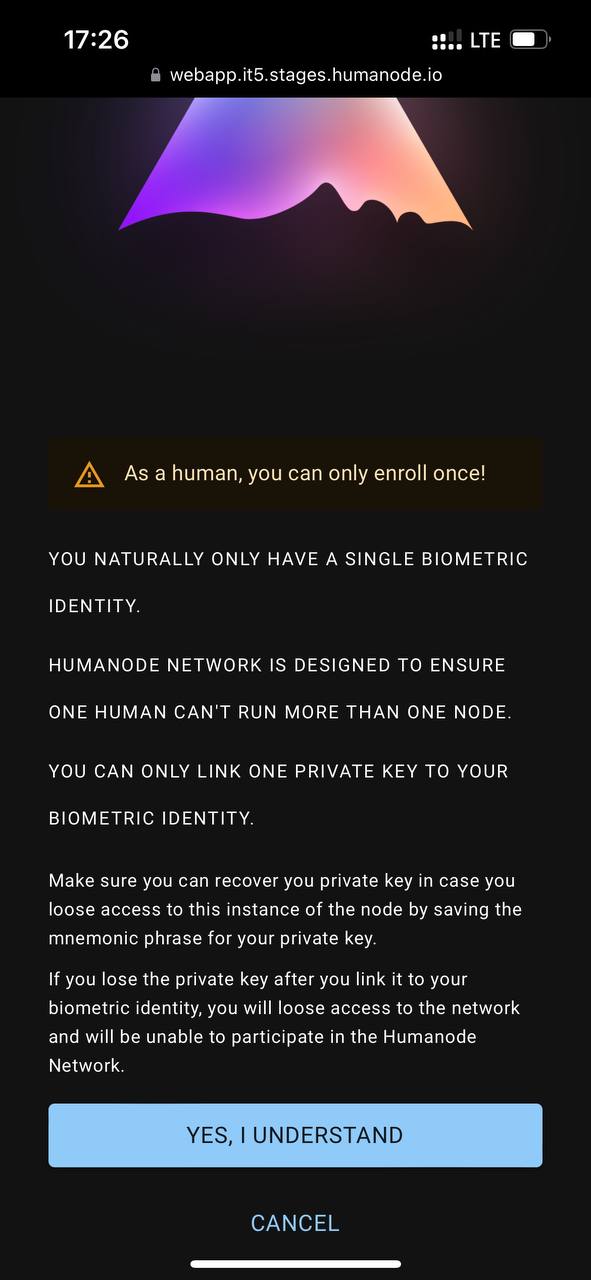
Carefully read our notes and click on YES, I UNDERSTAND.
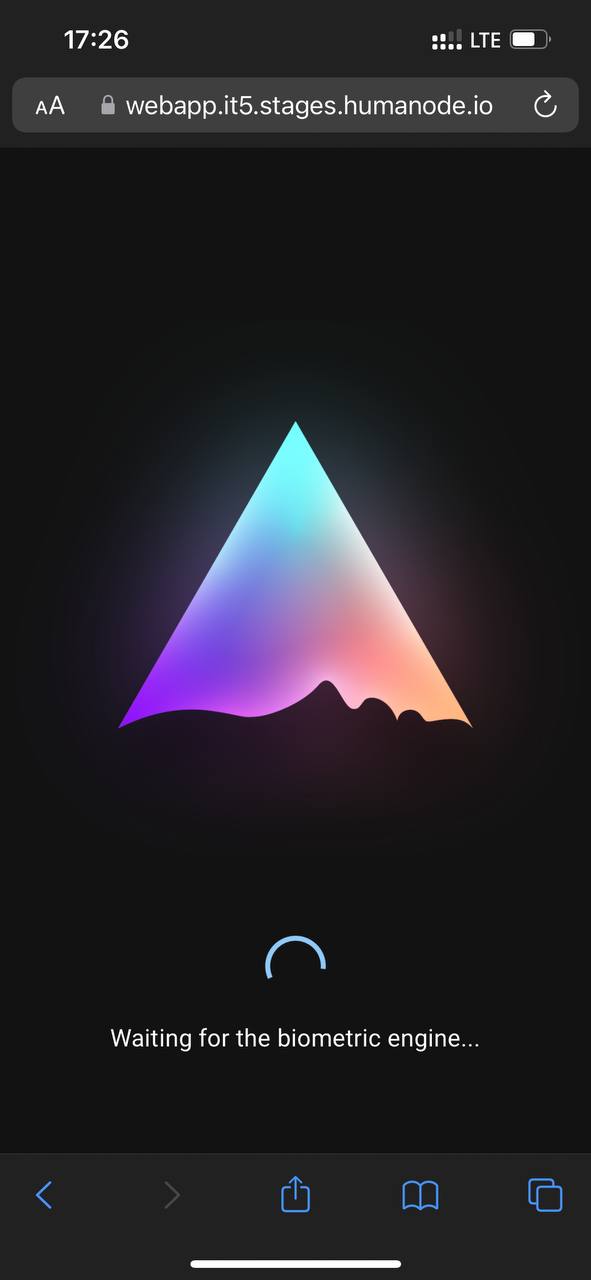
When the biometric engine is ready you will see.
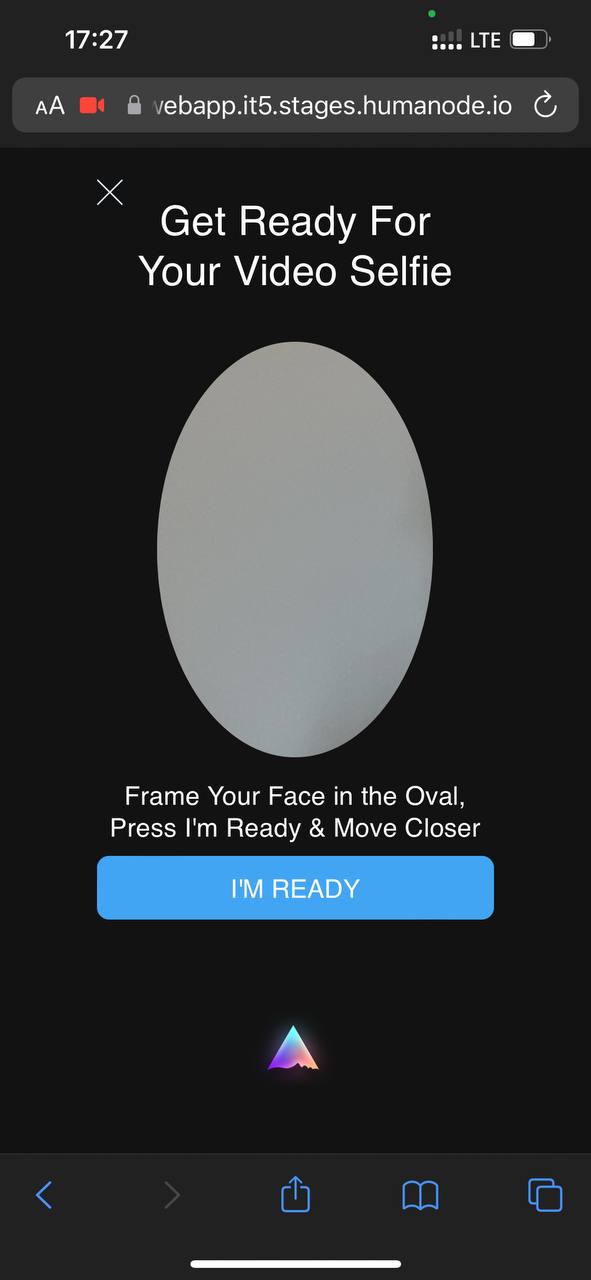
To pass the biometric verification make sure that there is enough light and the picture is clear. Click on I’M READY and pass the verification.
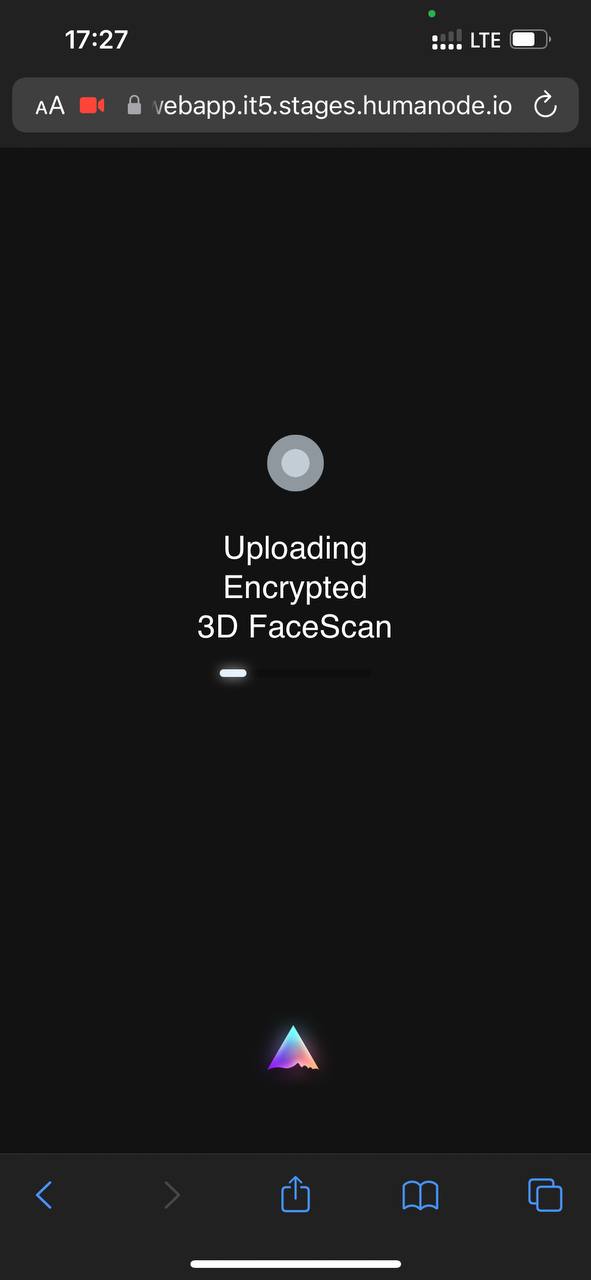
Finally, if everything is ok you will get
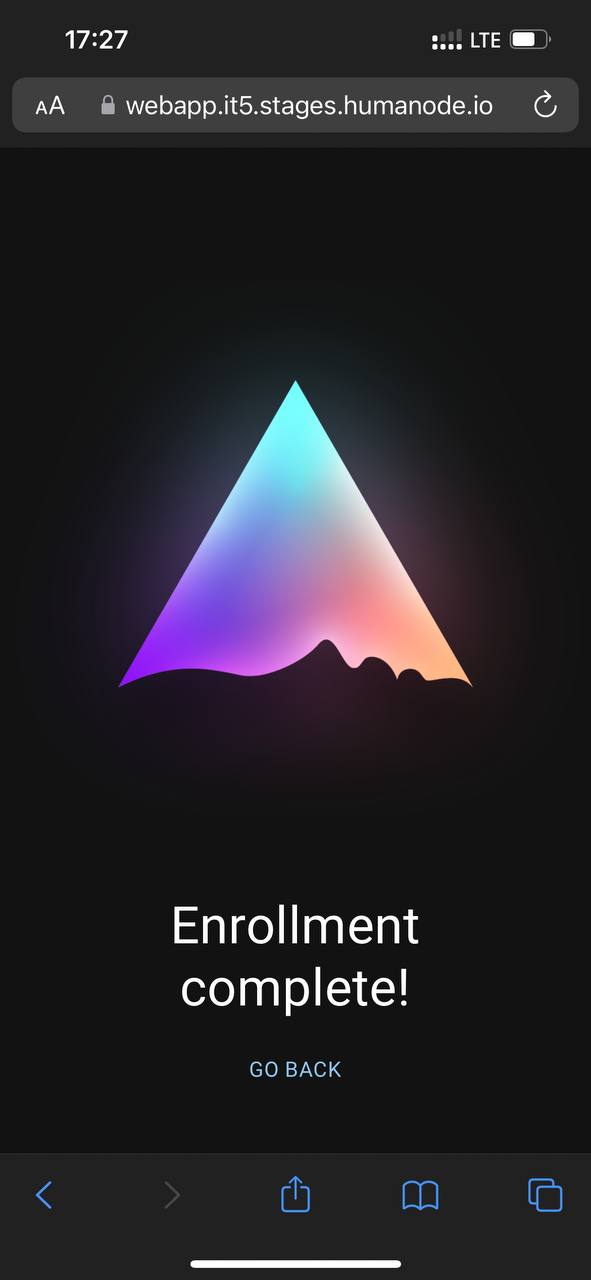
In case having errors, please check the troubleshooting page.