
Linux / macOS
Installation on Linux or macOS
Section titled “Installation on Linux or macOS”Once you have selected a chain and clicked Install, the node installation process will begin.
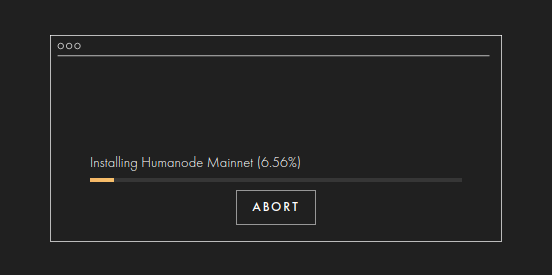
When the progress bar fills to 100%, you will get to the Home screen.
After pressing Continue you will be redirected to the Home screen where the initial configuration begins. This screen indicates that the TestNet was successfully installed and that you now have to configure your node before starting it. Congrats!
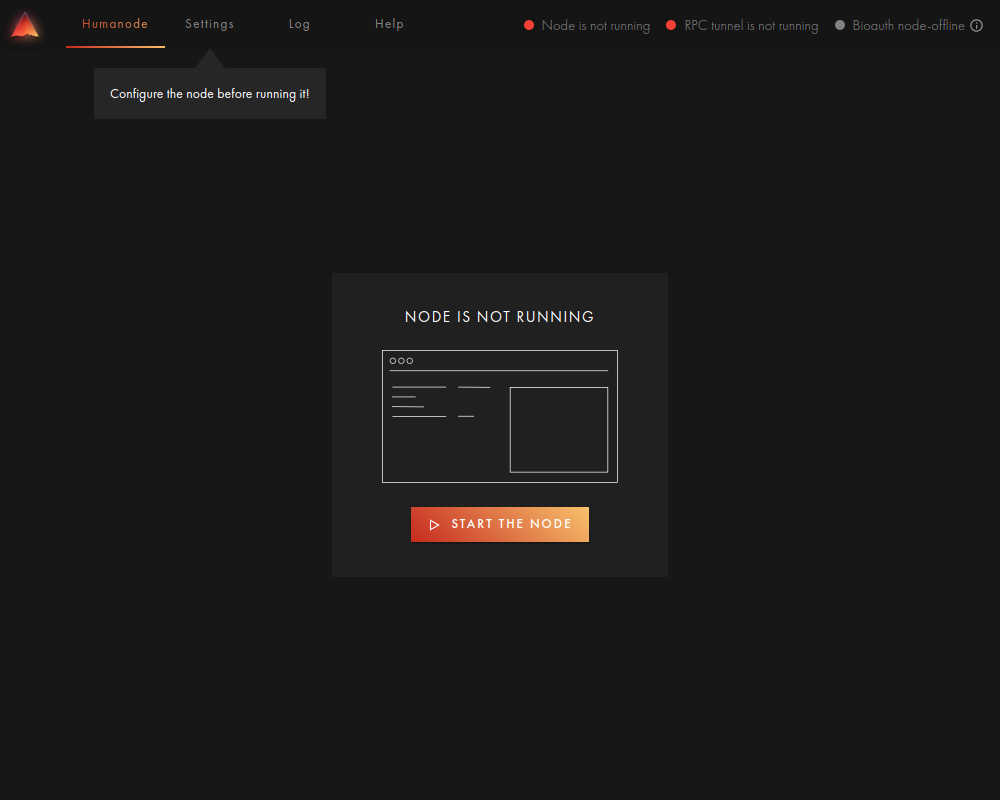
Simply move to Node Configuration